

Baby monitor hacked incidents have become a real fear for modern parents, with strangers sometimes watching or talking to children in their own rooms. Knowing the risks and how to secure your nursery tech can protect your family’s privacy better than any lock on the door.
Key Takeaways
- Default passwords, weak WiFi security, and outdated firmware make baby monitors easy targets for hackers.
- non WiFi baby monitors (DECT or frequency hopping) baby monitors are far less likely to be hacked than smart WiFi models.
- Simple steps like changing credentials, updating firmware, and enabling two factor authentication prevent most attacks.
- Understanding Baby Monitor Hacking: What, Why & Risks
- Step-by-Step: How to Secure Your Baby Monitor
- Advanced Analysis & Common Mistakes to Avoid
- Conclusion
- Frequently Asked Questions
Understanding Baby Monitor Hacking: What, Why & Risks
Modern baby monitors give parents peace of mind by streaming their baby’s sounds and movements straight to a phone or monitor. But if not secured, these devices are vulnerable to hacking, exposing your family’s most private moments to total strangers. Between 2020 and 2024, cybersecurity experts tracked a sharp rise in attacks on baby monitors, with thousands of families reporting privacy violations. Hackers break in using default passwords, weak WiFi, unpatched firmware, and even public databases listing device credentials. Once inside, they may eavesdrop, talk to kids, or stream your video feed onto the public web.
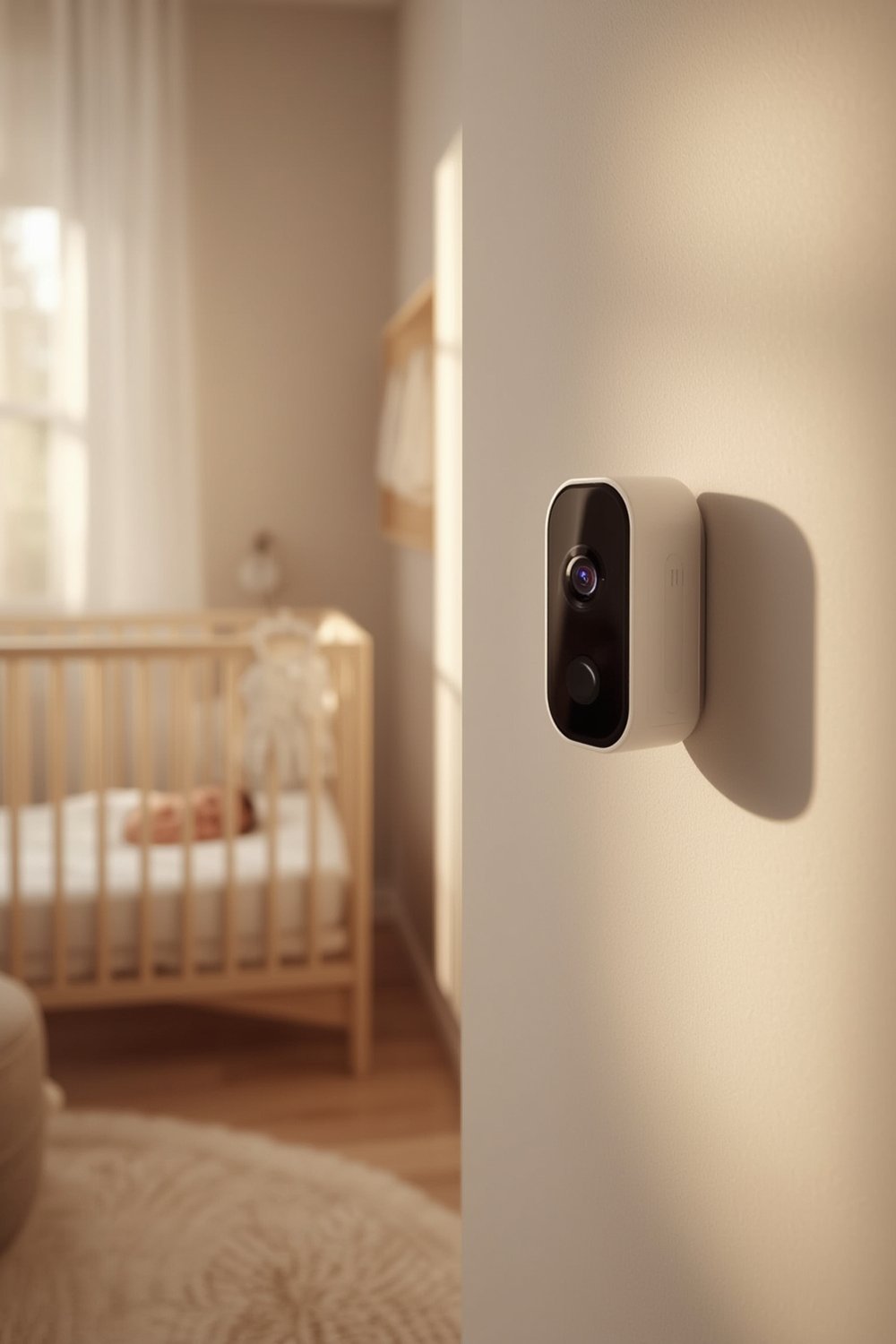
Not all monitors are equal when it comes to security. WiFi-based smart monitors connected to the internet are prime targets, whereas non WiFi baby monitors relying on frequency hopping and direct radio signals are much tougher to hack. Despite some manufacturers adding stronger protections, budget monitors and those using outdated software often remain wide open. Real incidents have seen strangers’ voices in nurseries, footage put online, and cameras suddenly following parents’ private movements.
Step-by-Step: How to Secure Your Baby Monitor
These steps will drastically reduce the chance of having your baby monitor hacked. Follow them in order—don’t skip the basics, regardless of what model you have.
- Change Default Passwords Immediately. Right after unboxing, replace the monitor’s password and your WiFi router password with strong, unique ones. Avoid anything guessable—hackers routinely try “admin,” “123456,” or manufacturer defaults. Learn why here.
- Enable Two-Factor Authentication (2FA). If your baby monitor app supports it, toggle on this feature in settings so a hacker can’t log in with only your password. Some modern monitors have 2FA by default.
- Keep Firmware and Apps Updated. Manufacturers regularly patch vulnerabilities. Make it a habit to check monthly for firmware updates in your monitor’s app, the manufacturer’s site, or automatic update settings. Do the same for your phone apps.
- Secure Your Home Network. Change your WiFi network’s name and use WPA3 encryption if available. Hide your SSID and disable WPS. Kick off old or unknown devices regularly.
- Monitor for Suspicious Activity. Audit device logs for unusual logins, strange voices, new user accounts, or unexpected IP addresses. If you notice anything, disconnect and reset your monitor. Repeat quarterly reviews.
- Prefer Non WiFi or Encrypted RF models. If possible, use a DECT or frequency-hopping digital baby monitor for greatly improved privacy; these require physical proximity and lack internet exposure.
- Physically Secure Your Device. Mount the camera where it cannot be tampered with (away from windows or the nursery door). If you’re disposing of your monitor, securely wipe all data (factory reset) before discarding or selling it.
- Limit Cloud Connections and Disable Unneeded Features. Cloud video retention increases risk. Unless absolutely required, turn off remote monitoring and internet connectivity.
- Check Manufacturer’s Support and Update Policy. Only buy models from companies that guarantee regular security patches and publicize end-of-support dates.
- Explore Additional Smart Nursery Safety Tips—especially if traveling with baby gear. For example, learn about best practices for car seats, travel strollers, and non-contact breathing monitors for safer journeys.
Regularly review the best baby gear for new features and security upgrades. Our best travel stroller guide and upcoming baby gear roundups can help you combine practical and safe choices in every aspect of newborn care.
Advanced Analysis & Common Mistakes to Avoid
The risk of having your baby monitor hacked is higher than most parents realize—and it’s not just about WiFi. Here are the most common pitfalls:
- Leaving default credentials unchanged: The single biggest weakness. Attackers use scripts to scan for factory-issued usernames and passwords from manufacturer databases.
- Unencrypted connections: Budget or older monitors often transmit audio and video unencrypted, letting attackers intercept feeds with cheap hardware.
- Outdated firmware: Many devices rarely get patches. Attackers often use known exploits; several major hacks occurred on devices that hadn’t been updated for years.
- Weak or shared WiFi passwords: Using your home’s main WiFi for both your baby monitor and family devices puts everything at risk if one is breached.
- Physical tampering or poor device placement: Cameras easily accessed or reset by visitors can be forcibly exposed or hijacked.
- Poor device retirement: Old monitors thrown away without wiping data can be repurposed and later compromised by new owners.
- Ignoring audit logs: Many hacks are only discovered after incidents occur—by then, footage may have been copied or streamed widely.
Comparing security features helps clarify the best choices. Here’s a side by side look at WiFi and non WiFi baby monitors:
| Feature | WiFi-Based Monitor | DECT / Frequency Hopping Monitor |
|---|---|---|
| Exposure to Internet Hacking | High—targeted by attackers worldwide | Very Low—requires local, physical access |
| Encryption | Possible but not always enabled; varies by brand | Standard, sometimes unbreakable (DECT) |
| Firmware Updates | Required frequently; not guaranteed for all brands | Not usually needed |
| Cloud Storage | Often required (potential privacy risk) | No cloud connection |
| Cost (average) | $80-$250 (plus cloud fees if used) | $50-$150 (no ongoing costs) |
| Best Use Case | Remote access on-the-go; watch from phone | Max privacy home use |
Budget WiFi baby monitors without encryption are still widely sold. A recent security guide found that many devices scored failing grades after real life hacks, highlighting an urgent need for vigilance.

Other essentials? Before you upgrade your nursery camera, check the manufacturer’s support end date, and for best results, pair your monitor with smart baby essentials like those from our Newborn Baby Essentials List or optimize skin safety with modern baby skincare products.
Conclusion
Protecting your family from a baby monitor hacked scenario is not about tech skill—it’s about habits. Change credentials, enable security features, update often, and choose non WiFi monitors for the best protection. If you need on-the-go access or more features, only buy from brands that demonstrate ongoing support and transparency. Don’t just trust a sticker that says “secure.”
Ready to take action? Review your baby monitor setup today, and don’t forget to explore our other guides on AI baby monitors with smart sleep features for safer, smarter parenting.
Frequently Asked Questions
Can someone hack my baby monitor without knowing my WiFi password?
Yes—many attacks occur because of unchanged default passwords or vulnerabilities on public WiFi and cloud accounts. Non WiFi monitors are almost immune to remote hacks.
What signs should I watch for if my baby monitor is hacked?
Unusual camera movement, distorted audio, new accounts on your monitor app, or strangers’ voices are all red flags. Check your logs for unknown logins or devices.
Are baby monitors that use apps or cloud recording safe?
App and cloud connected monitors can be secure if you enable all security features, but they add risk. Choose strong, unique passwords and limit cloud data retention.
Is it worth paying more for a non WiFi baby monitor?
Usually yes—freedom from cloud hacking, internet snooping, and forced upgrades makes DECT or FHSS monitors a safer long term bet with fewer ongoing expenses.
How often should I check for firmware updates?
Once a month is ideal. Set a recurring reminder, especially if your model doesn’t have automatic updates. Always apply patches immediately to block new threats.