

Non wifi baby monitor systems are now the top safety choice for thousands of parents who want true peace of mind without the privacy risks of smart, app-based devices.
Key Takeaways
- Non WiFi baby monitors avoid internet-based hacking and offer simple, direct closed-loop monitoring.
- Modern models deliver HD video, two-way audio, split-screen display views, and some even AI features without apps or cloud accounts.
- Subscription fees and app troubles are eliminated—but parents trade flexibility and remote access for higher local security.
- What Is a Non WiFi Baby Monitor and Why Is It Getting Popular?
- How to Set Up and Maximize Non WiFi Baby Monitor Security
- Advanced Analysis and Common Pitfalls with Non WiFi Baby Monitors
- Conclusion
- FAQs
What Is a Non WiFi Baby Monitor and Why Is It Getting Popular?
Non WiFi baby monitors use local wireless protocols like FHSS (frequency hopping spread spectrum) or DECT to transmit video and audio from the nursery camera to the parent unit—never touching the internet. Instead of streaming via apps, they create a direct, closed-loop signal. This bypasses cloud servers entirely. No account setup, no app crashes, and no risk of someone hacking in over your home network.
Why this surge in popularity? Sizable market research points to overwhelming privacy issues—hacking, data breaches, and frequent app failures—for WiFi-based monitors. As of 2024, non WiFi baby monitors generated $1.18 billion globally, capturing millions of households that now consider internet-free monitoring a must. Leading audio-only models like the VTech DM221 have sold over two million units, with robust video units such as Babysense MaxView and Ellie Baby Plus surging for their split-screen and secure transmission features.
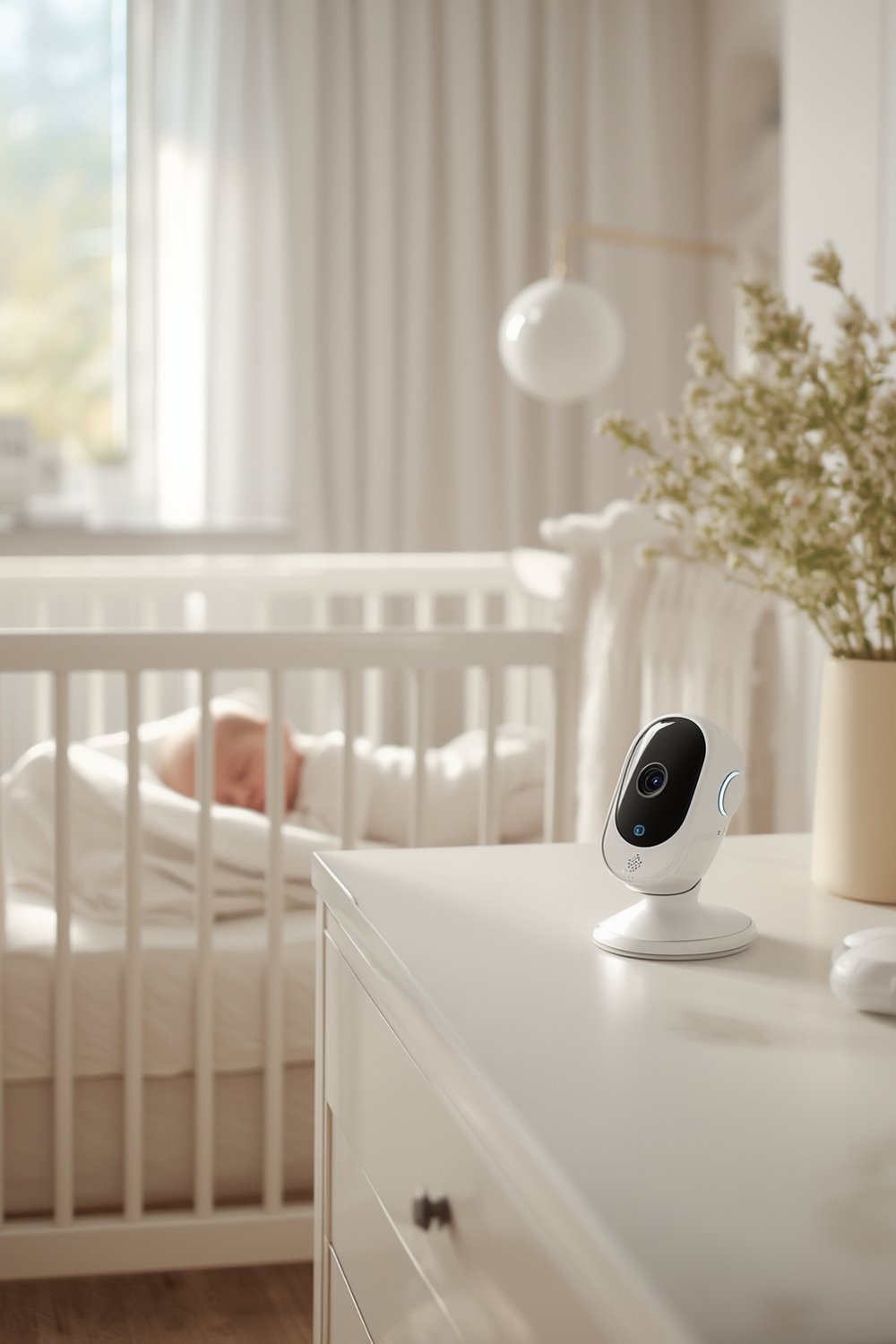
Non WiFi models are not a step backwards. In fact, brands now add features like color night vision, two way intercom, and even AI-powered cry detection on secure, non-internet circuits—matching smart monitors minus the cloud risks. For travel or local monitoring, a secure baby monitor non wifi option is simply unbeatable for direct, hassle-free observation.
Of course, you lose some convenience: no remote access from your phone when away. But for most parents, the trade-off for bulletproof privacy is more than worth it.
How to Set Up and Maximize Non WiFi Baby Monitor Security
Installing and configuring a non WiFi baby monitor is refreshingly simple—but there are important nuances to address.
- Choose the right non WiFi model: Identify how many rooms/cameras you want monitored. Most models allow up to four cameras on a secure local frequency.
- Power safety matters: Plug your camera(s) and the parent unit into safe wall outlets, keeping all cords fully out of reach of infants. Many models like the Maxi-Cosi See Pro or Babysense MaxView can also run on backup batteries—crucial during outages.
- Sync camera(s) with monitor: Most units auto-pair using FHSS after power-up. If not, follow manual pairing instructions in the setup guide.
- Test your local range: Walk the parent unit through your home—most reliable systems maintain a strong signal through multiple rooms or floors. Unlike WiFi monitors, there are no dead zones caused by network slowdowns.
- Set up advanced functions: Activate split-screen display, adjust night vision, and enable two-way audio. On some high-end models, configure local AI features like cry type detection (e.g., Maxi-Cosi).
- Troubleshoot for interference: Nearby wireless devices can sometimes cause audio static. Relocate your monitor or change frequency as per the model instructions.
- No app, no cloud, no hassle: You’re finished—there are no subscription fees, usernames, or firmware updates needed for these closed-circuit setups.
Today’s smartest parents often pair their non WiFi monitor with other must-have gear, especially for travel. For example, when choosing the best travel stroller or prepping for a newborn essentials checklist, a secure, wire-free monitor is a frequent top pick. Even for quick nap checks outdoors, local models excel where WiFi can’t reach.
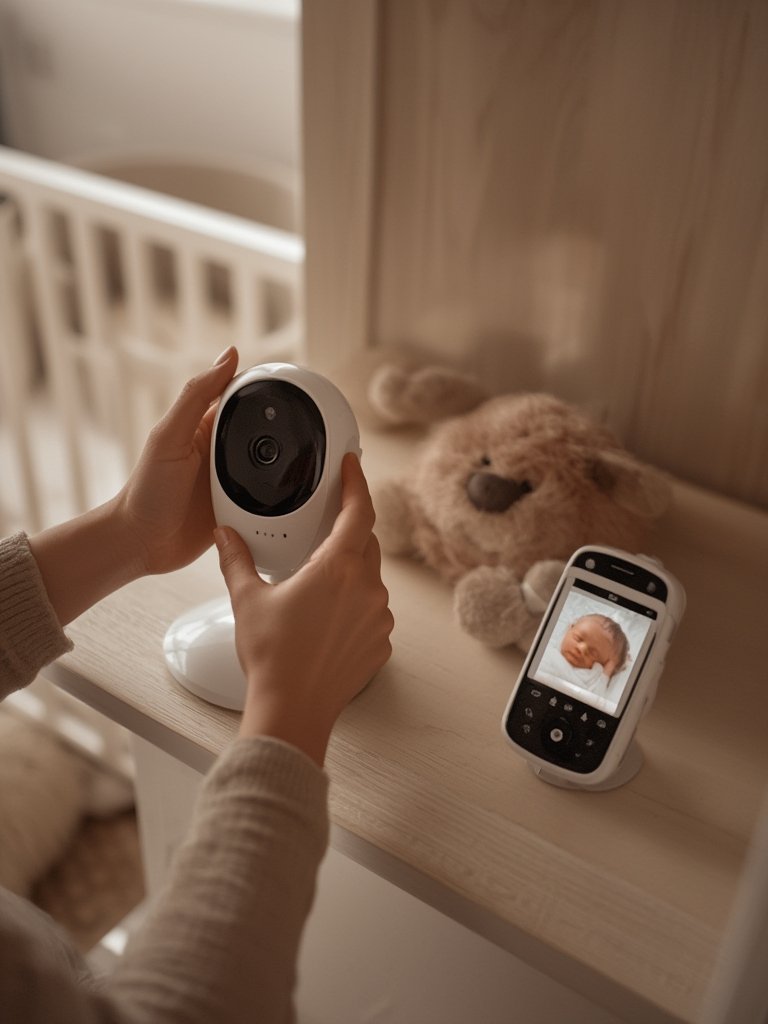
Remember, you avoid all subscription traps and unpredictable app updates. Your direct link from baby to parent unit is always on, always local.
Advanced Analysis and Common Pitfalls with Non WiFi Baby Monitors
Real-world feedback shows non wifi baby monitors have unique strengths—but also notable limitations. Drawing on market reports and real parent reviews, here’s what you need to know:
- Privacy and Security: FHSS and DECT-based monitors are considered extremely difficult to hack versus WiFi/app models. No cloud means no data exposure.
- Limited Range vs. Remote Access: You get reliable transmission locally, but can’t monitor your baby from outside your home network—no checking in from work or travel.
- Video and Audio Quality: Modern non WiFi units now compete with WiFi models, offering 1080p HD and color night vision. However, older or budget units may deliver lower image or audio clarity, especially through thick walls.
- Cord Risks and Battery Life: Some monitors have short power cords—placing them out of reach can reduce ideal viewing angles. Battery-powered parent units require daily (or nightly) recharging, and real-world life may be less than manufacturer claims.
- Lack of Cloud Storage: No instant recording to your phone or cloud, so missed events may only be available on the parent unit or via removable SD card (if supported).
- Interference: If you already use multiple 2.4GHz devices (old cordless phones, some smart home tech), you may experience static or dropped signals.
| Feature | Non WiFi Baby Monitor | WiFi/App-Based Baby Monitor |
|---|---|---|
| Security/Privacy | Closed-circuit FHSS, not hackable via internet. No data breaches. | Potential for hacking and data leaks via cloud/app servers. |
| Setup | Plug and play. No app needed. Instantly pairs with camera unit(s). | Requires app download, WiFi setup, often multiple firmware updates. |
| Remote Viewing | Local only (home or garden). Not accessible when away from home. | Full remote access via app—check in from anywhere with WiFi/data. |
| Ongoing Costs | One-time purchase, no subscription or service fee. | Many require ongoing monthly cloud or premium service subscription. |
| Video/Audio Quality | HD and color night vision available on newer models, but can be lower if budget or older. | Often superior, but quality may depend on WiFi stability. |
| Advanced Features | Split-screen, two-way talk, cry detection, some AI (local only). | Larger variety: sleep analytics, smart alerts, cloud storage. |
| Common Downsides | No mobile access; potential for static/interference if many devices nearby; cord safety issues. | Vulnerable to hacking; unreliable if WiFi or app crashes; cloud fees can add up. |
Major missing insights from most “best baby monitor no internet” guides include:
- Almost nobody provides real, measured battery life, signal range, or side-by-side image quality stats—even for leaders like Babysense or VTech. This is a real research gap as confirmed by global industry data.
- Year-over-year market share changes for truly non WiFi models aren’t published; only broad wireless figures are available (wireless is up to 90.85% market share in 2025, but non-internet variants are a fast-growing niche).
- No one is clearly publishing direct price comparisons between one-time-fee non wifi baby monitors and app-dependent, subscription-based WiFi models. Data suggests non WiFi units are more cost-effective over time.
Increasingly, parents also look to combine their monitor choice with broader safety and mobility products. See our latest guides on baby gear discounts, infant car seat without base, and breathing monitor baby without wearable options for a holistic approach to baby proofing—especially when privacy and flexibility are non-negotiable.
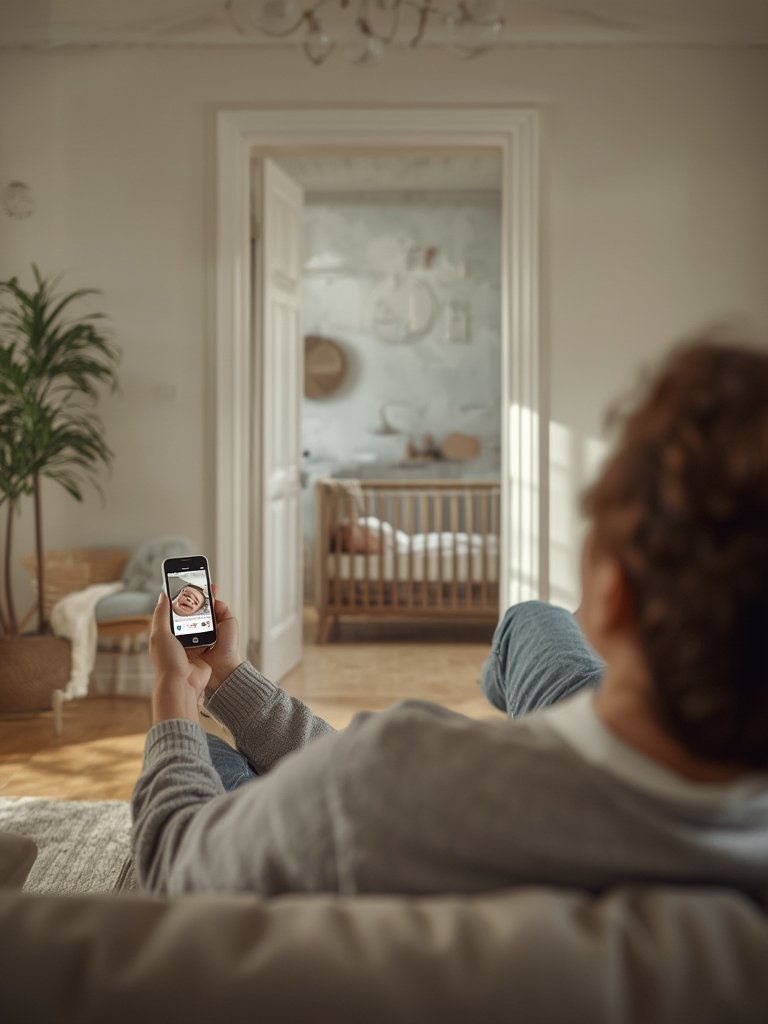
Conclusion
If your goal is true privacy, consistent performance, and zero subscription headaches, a non wifi baby monitor is a rock-solid solution for modern parents. While you give up remote check-ins and some smart features, you gain direct, reliable, and secure oversight every night—with no app hassles. Always weigh your needs, living space, and safety priorities, but for most families, the trade-off is clear: go local, go hack-proof, and enjoy real peace of mind.
Ready to upgrade your monitoring experience? Compare top rated non wifi baby monitor models and experience worry-free, straightforward nursery security—without any tech headaches. For related baby must-haves, check out our advice on baby skincare and stroller compatible infant car seat solutions too.
FAQs
Are non WiFi baby monitors really safer from hacking?
Yes. Models using FHSS or DECT technology do not connect to the internet or cloud servers. This makes them nearly impossible to hack without direct, physical access to your home. There are rarely if ever, documented cases of breaches with non WiFi systems compared to frequent headlines about hacked WiFi/app monitors.
Can I monitor my baby from outside my house with a non WiFi unit?
No. Non WiFi baby monitors only transmit within a local radius—usually your home, yard, or garage. If you need to check in from work or travel, a WiFi model would be required (though it adds privacy risks).
Are non WiFi baby monitors as good as WiFi/app monitors for video and features?
For most mainstream models, yes. New releases use 1080p cameras, color night vision, and two-way talk. Leading options now offer split-screen and even AI cry detection on a dedicated screen—no internet needed. Only cloud-based features like remote alerts and recordings are missing.
Do non WiFi models require batteries or always need to be plugged in?
Non WiFi monitors typically require plugging into a wall for the camera unit. Parent units are often rechargeable but can need daily charging. Some also run temporarily on backup batteries for travel or power outages.
How do non WiFi models compare in price to subscription-based WiFi baby monitors?
While non WiFi monitors are a one-time purchase, many WiFi or app-based units require ongoing monthly fees for cloud storage or premium features. This makes non WiFi models generally more cost-effective over time, according to major market sources.