

### Blog Post:
Split screen baby monitor systems are changing how parents watch over twins, siblings, or two rooms at once. If you’re overwhelmed by toggling between camera feeds, missing notifications, or getting lost in a sea of technical specs, this guide breaks down how split-screen monitors really compare—and what crucial gaps and issues most reviews won’t tell you.
Key Takeaways
- Not all “dual” baby monitors offer true split-screen viewing—most require toggling, which frustrates parents of twins and siblings.
- Battery life, real-world battery life, audio quality, and customer support all impact daily usability much more than spec sheets admit.
- Non-WiFi monitors (FHSS/DECT) offer much stronger privacy and security against hacking than WiFi-enabled options.
- What Are Split Screen Baby Monitors—and Why Do Parents Choose Them?
- How To Choose and Set Up a Split Screen Baby Monitor: Step-by-Step Guide
- Advanced Analysis & Common Pitfalls: What Most Reviews Miss
- Conclusion
- Frequently Asked Questions
What Are Split Screen Baby Monitors—and Why Do Parents Choose Them?
Split screen baby monitors are digital video systems that let you view feeds from two (or more) cameras simultaneously on a single parent unit display. Their main draw? If you have twins, kids sharing a room, or need coverage in two spaces, you’ll see both instantly without toggling views—unlike traditional monitors that demand switching back and forth between feeds.
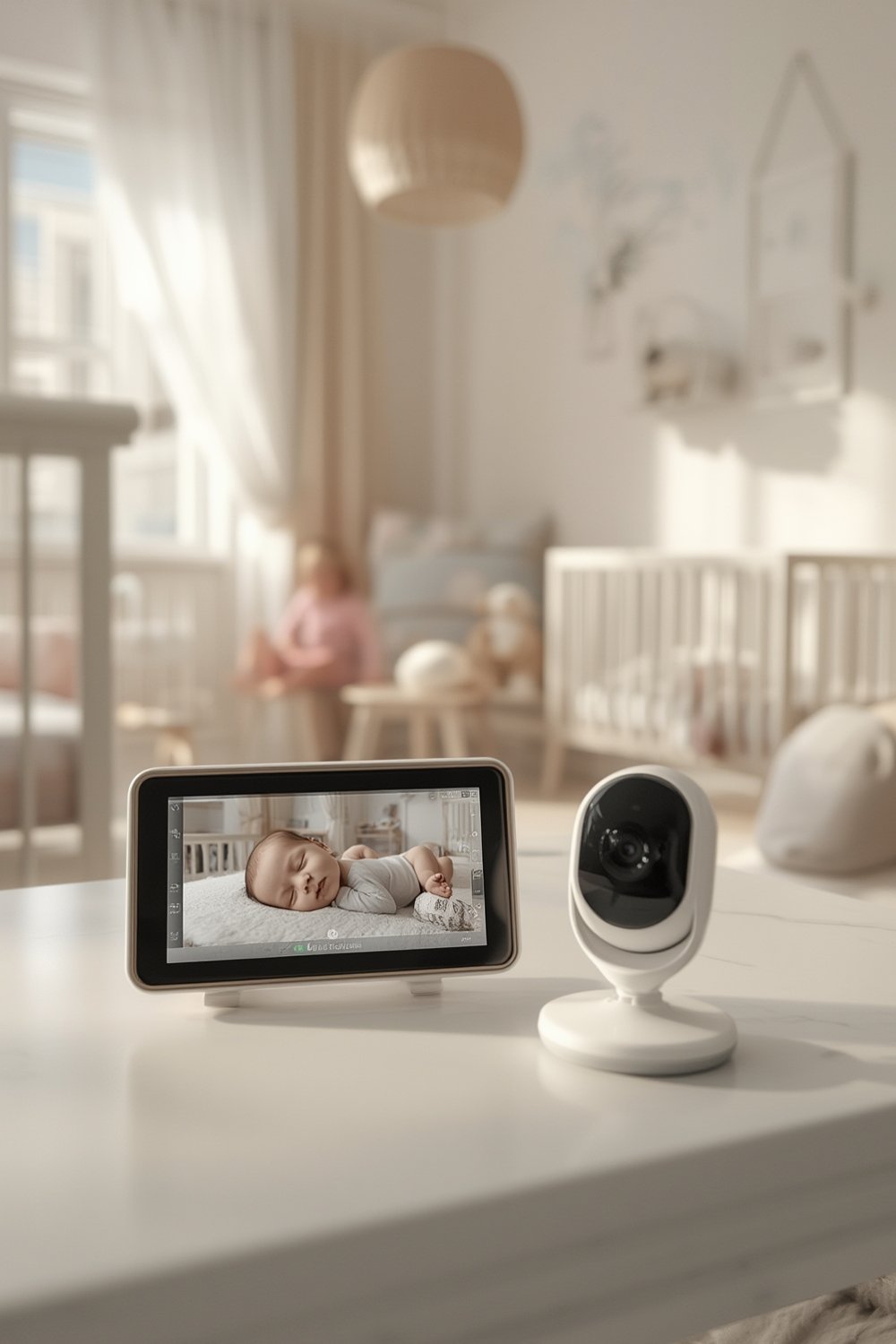
Parents often choose split screen models to relieve anxiety about missing crying or safety events in one space while focused on the other. This is especially helpful during naps, overnight, or playtime in nurseries and playrooms. Competitive parents and real user reviews confirm that genuine split-screen capability cuts stress for families managing multiple children.
Unlike many “multi-camera” systems that only let you toggle between feeds, true split-screen monitors (such as the Babysense MaxView Pro and Babysense HD Split-Screen) show both video feeds side-by-side, updating in real time. This feature becomes essential—especially if your kids have different sleep or play schedules.
Split-screen baby monitors also let caregivers or co-parents check multiple rooms at once, making them ideal for larger homes, babysitters, or new parents who want hands-on monitoring.
How To Choose and Set Up a Split Screen Baby Monitor: Step-by-Step Guide
If you’re looking for a split screen baby monitor—or want to maximize your current system’s effectiveness—follow these straightforward steps:
-
Decide on the Right Model for Your Setup
- If you need split-screen viewing, shortlist models like Babysense MaxView Pro and Babysense HD Split-Screen.
- For twins, avoid any monitor that only supports toggling between cameras (e.g., Momcozy models).
-
Consider Screen Size and Resolution
- Look for at least a 5″ split-screen (like Babysense MaxView Pro’s 5.5″ 1080p display) for clear side-by-side viewing.
- Bigger isn’t always better—too large and the parent unit drains battery faster and becomes less portable.
-
Prioritize Real-World Battery Life
- Ignore “maximum battery” claims; real-world reviews note monitors such as VTech VM819 often require plugging in continuously.
- VOX mode (sound-activated) extends battery, but can delay alerts—test before relying on it overnight for fussy sleepers.
-
Test Wireless Range in Your Home, Not Just Specs
- Even with 1000 feet claimed, signal drops occur quickly with thick walls or between floors. Walk the monitor throughout your home before trusting range specs.
-
Install Cameras Strategically
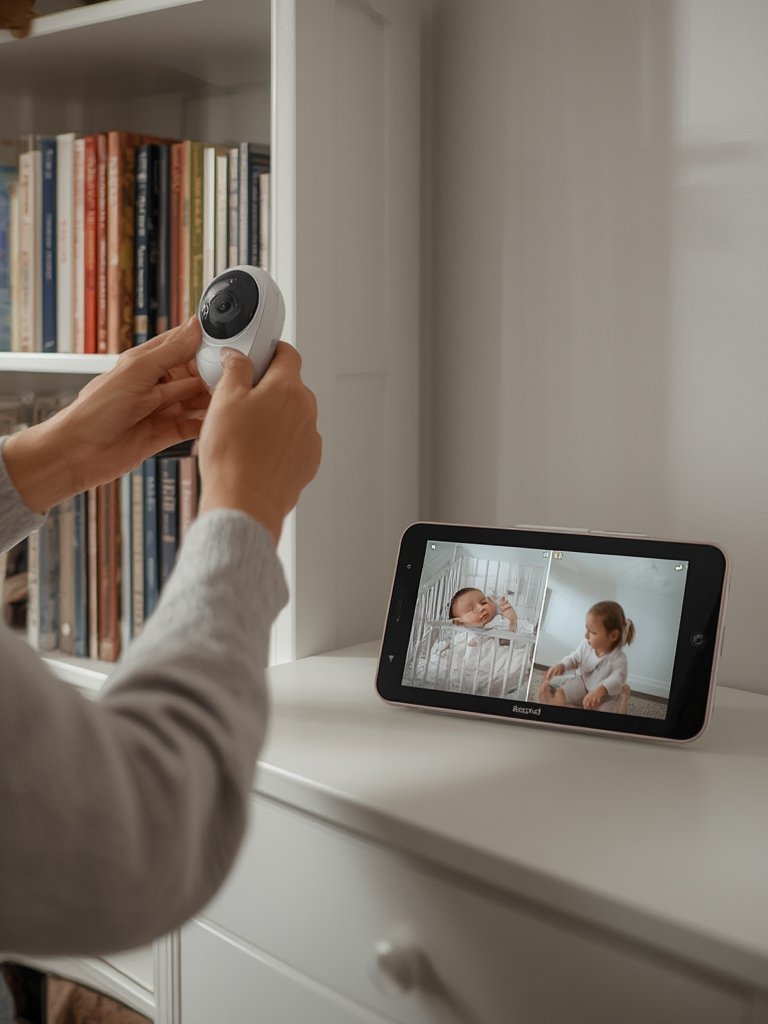
- Mount one camera at the crib (safe, out of reach) and the other covering play areas, the entrance, or the whole room as needed.
- Place the parent monitor on a reliable charging base in a spot you frequent, not just by bed.
-
Evaluate Audio Quality and Two-Way Talk
- Many real users report low audio output and inconsistent two-way communication. Test loudness and clarity immediately after setup.
-
Double-Check Privacy & Security Features
- Non-WiFi FHSS or DECT models are strongly recommended for avoiding WiFi hacking and data breaches. For details, read Consumer Reports’ privacy and security analysis.
-
Register for Warranty and Customer Support ASAP
- Issues with batteries and parent unit reliability are common, especially with models like VTech. Register your device and keep receipts.
- For travel or backup, review our in-depth guide to the best travel strollers for infants—travel gear and monitoring go hand in hand for families on the go.
- If you’re concerned about device hacks or want even stronger security, see our tips for a secure baby monitor without WiFi risks.
Following these steps will save you from the biggest pain points real parents face—not just those listed on spec sheets or sales pages.
Advanced Analysis & Common Pitfalls: What Most Reviews Miss
Digging into verified user reviews and research, several recurring issues come up with even the most highly rated split screen baby monitors.
| Model | Connection | Screen/Resolution | Range | Battery Life | Audio Quality |
|---|---|---|---|---|---|
| Babysense MaxView Pro | 2.4 GHz FHSS | 5.5″ 1080p split-screen | Not specified | 5000 mAh (extended) | Crisp, responsive night mode |
| Babysense HD Split-Screen | 2.4 GHz FHSS | 5″ 720p split-screen | Not specified | 20 hrs (VOX mode) | VOX sound-activated response |
| VTech VM819 | Not specified | 5″ split-screen | 1000 ft (claims) | Poor (plug-in) | Two-way talk unreliable |
| Momcozy 1080p HD | Not specified | No split-screen (toggle) | Not specified | Good, volume low | Audio quiet, needs improvement |
| Eufy SpaceView Pro | 2.4 GHz FHSS | 5″ 720p (multi-cam) | Not specified | Not specified | Audio details not disclosed |
Common pitfalls not addressed on product pages or in typical top-10 reviews:
- True Split-Screen is Rare: Only around a quarter of models reviewed actually offer simultaneous split-screen display. Most list “multi-camera” but simply let you toggle between feeds, which doesn’t help parents of twins or siblings needing real-time simultaneous monitoring. Source: BabysenseMonitors.com.
- Battery Drain is Underplayed: Brands list maximum standby runtime, not actual overnight (screen-on) usage. Expect much lower usable battery, especially on mid-range units like VTech VM819—most users end up plugging in parent units continuously.
- Range Claims Don’t Reflect Real Homes: 1000 feet may be possible in open fields, but real-world houses with walls and floors see far less. If you live in concrete, brick, or multi-story homes, range limitations disappoint.
- Audio Quality Can Be a Dealbreaker: Quieter volume output and laggy, spotty two-way talk cause frustration—especially for light-sleeping babies or heavy-door homes. Babysense does well, but most parent complaints focus on low or muffled audio, and toggling between feeds can delay talk-back.
- Security Risks With WiFi Models: While WiFi monitors like Nanit/Motorola sell cloud access, they expose users to hacking and privacy fears. Consumer Reports and others note that FHSS/DECT models (Babysense, VTech) remain the best option for keeping strangers out of your nursery. Link: Consumer Reports.
- Customer Support/Warranty Gaps: Top brands sometimes offer vague warranty periods or require extra registration. Users complain about slow or poor support—especially if batteries fail or WiFi connections glitch out. VTech, in particular, is cited for unhelpful support and recurring tech issues, while Babysense and Momcozy don’t make warranty info easy to find. Support gaps will affect your satisfaction and protection over time.
- Hidden Costs: Some WiFi/app models may lure you with flexible viewing but require paid subscriptions for advanced functions. Always check if your “split screen” access will cost more in the long run. For no-surprise recommendations, read our guide to baby monitors without a subscription.
Before buying, dive into full-length user forums and independent reviews, not just glossy manufacturer pages or influencer roundups.
- For more on nursery safety, especially for newborns, see our practical checklist of baby essentials.
- If you want to explore alternatives like AI or non-contact solutions, check our expert breakdowns on non contact breathing monitors for babies and AI baby monitors.
Conclusion
Choosing the right split screen baby monitor means more than comparing camera specs—it’s about day-to-day ease, privacy peace of mind, and consistent support. Look beyond manufacturer promises to focus on true split-screen delivery, real-world battery and range, audio clarity, and warranty strength. The best split screen baby monitor is the one that genuinely fits your lifestyle, keeps your family safe, and actually works when it matters most.
Ready to upgrade or select your new split screen baby monitor? Check trusted reviews and compare carefully—your peace of mind starts with the right choice.
Frequently Asked Questions
Do all dual camera baby monitors support split-screen viewing?
No. Most dual camera monitors only let you toggle between camera feeds. True split-screen viewing—where both rooms appear side by side live—is offered on select models like the Babysense MaxView Pro and HD Split-Screen.
Is WiFi or non-WiFi better for privacy in baby monitors?
Non-WiFi (FHSS/DECT) models are more secure against hacking, as connections do not go through your home network or the internet. WiFi monitors offer remote access but are at higher risk if not secured properly.
What should I check first if my split-screen monitor’s battery drains too quickly?
Real battery life is often far less than stated. Lower your screen brightness, keep VOX mode on when possible, and ensure firmware is updated. If battery life is still poor, contact manufacturer support and check for warranty coverage.
Are there affordable split screen monitors for twins?
Yes. The Babysense HD Split-Screen typically starts around $129, offering real split-screen, 720p resolution, and decent battery in VOX mode.
What are the downsides of split-screen baby monitors?
Split-screen clarity can be limited by screen size, and some models may lower video frame rates or volume. Battery tends to drain faster during dual-feed display, and many customer support teams are slow to help with technical issues.
—